Sunday night, and tomorrow’s lesson is already written
Say it’s Sunday night. Tomorrow your class of fourteen-year-olds starts photosynthesis. The slides are done, the worksheet is printed, and you’d like them to watch a short explanation at home first, so the lesson goes on questions instead of copying diagrams. Three students were also away last week, and they need the part they missed.
The usual options are both bad. Record yourself reading the slides over a screen share: easy to make, hard to watch. Or build an animation by hand, which takes the evening you don’t have.
There is a third: start from what you already have. Drop the slides into Clipteach, pick a style, check the scenes, export. The explanation stays yours; drawing it is the director’s job.
What teachers use short videos for
- Flipped lessons. Students watch the explanation at home and spend class time practising, with you in the room.
- Revision. One short video per concept before a test. Make it vertical (9:16) and it plays full screen on the phone in their pocket.
- Absent students. They hear the explanation the class heard, not a friend’s summary of it.
- A hook for a new topic. Sixty seconds that open on a question, played at the start of the lesson.
- Tutoring. One video per tricky concept, sent between sessions, so the hour together goes on practice.
PE and sport teachers film drills rather than write slides: the page for coaches and PE teachers shows how your own clips are cut and explained.
From your slides, notes or voice to a video
Start from whatever you have. All three roads end in the same place: a narrated video you check scene by scene.
- Import your slides or a PDF. A PowerPoint’s speaker notes become the voice, and each slide becomes a [SLIDE] note that tells the director what the slide shows. Switch on Keep my slides’ background and your school’s slide design stays behind the animation. A Google Slides link, a Word file or a PDF worksheet works too; a scanned PDF doesn’t, because it holds pictures of pages, not text. More in PDF to video.
- Or paste your lesson notes. With Rewrite on, the AI writer turns rough notes into a spoken narration at the length you choose. With it off, the voice reads exactly what you wrote. See text to video.
- Or record yourself explaining it, and the video is built around your voice. More just below, and in voice to video.
- Pick a style, say who is watching, and generate. The price is shown before you start. Then click any scene to change it, and export a 1080p MP4.
Your voice, so students hear their teacher
Students know your voice. They know how you lean on the part that will be in the test, the example you always use, the way you slow down before a hard step. A video in that voice feels like the next part of your lesson, not something found online.
Record the explanation on your phone, as if a student had asked you at your desk, and upload it. It is transcribed, your voice becomes the narration, and every scene comes in on the word it belongs to: the heart lights up when you say “heart”, not three seconds later. Nothing is voiced by the AI, no avatar stands in for you, and you never appear on camera.
Rather not record tonight? Pick a pro AI voice instead.
Which style for which subject?
Each style is its own world, with its own motion and its own pictures. A rough guide:
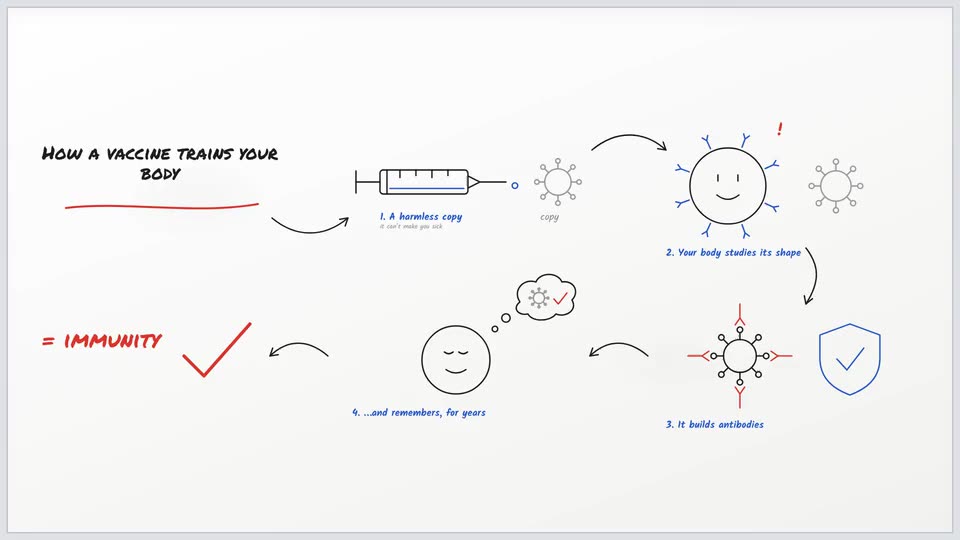
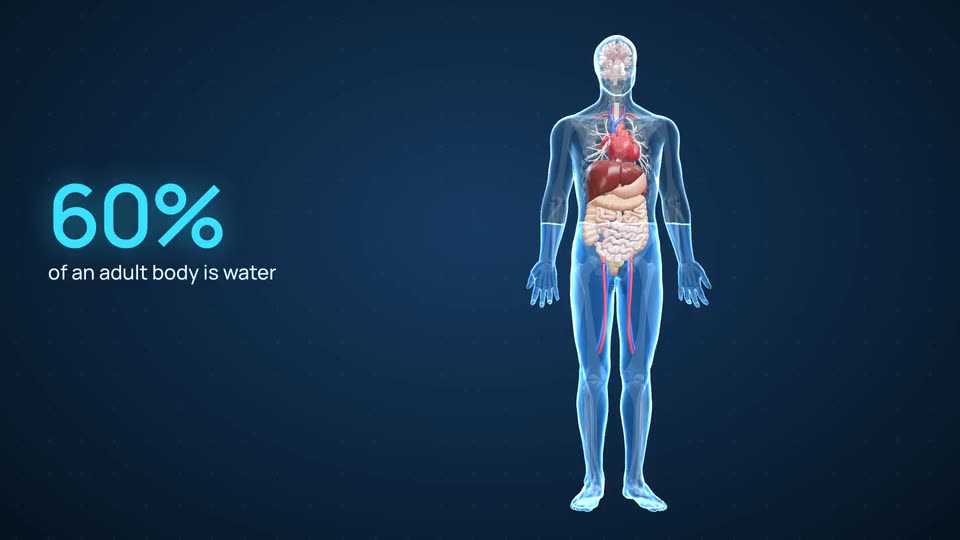
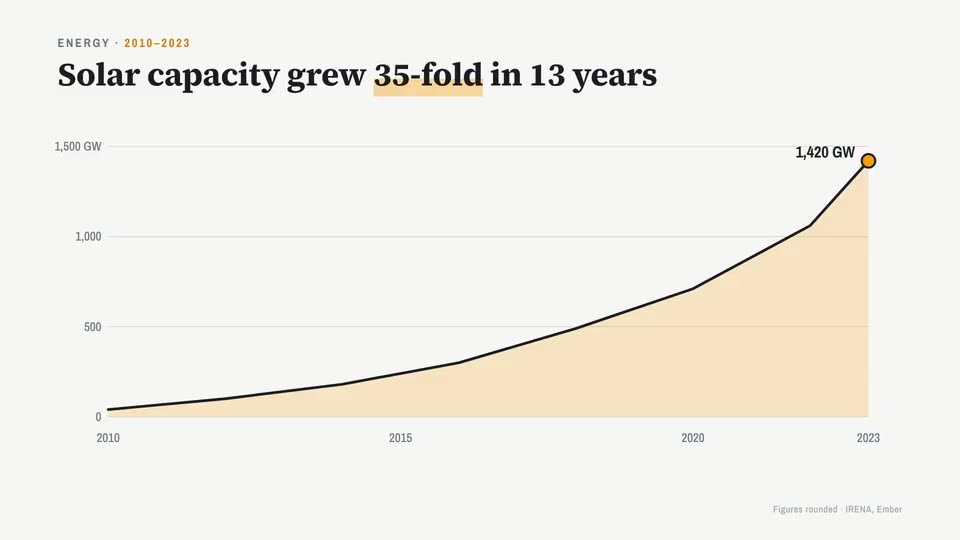
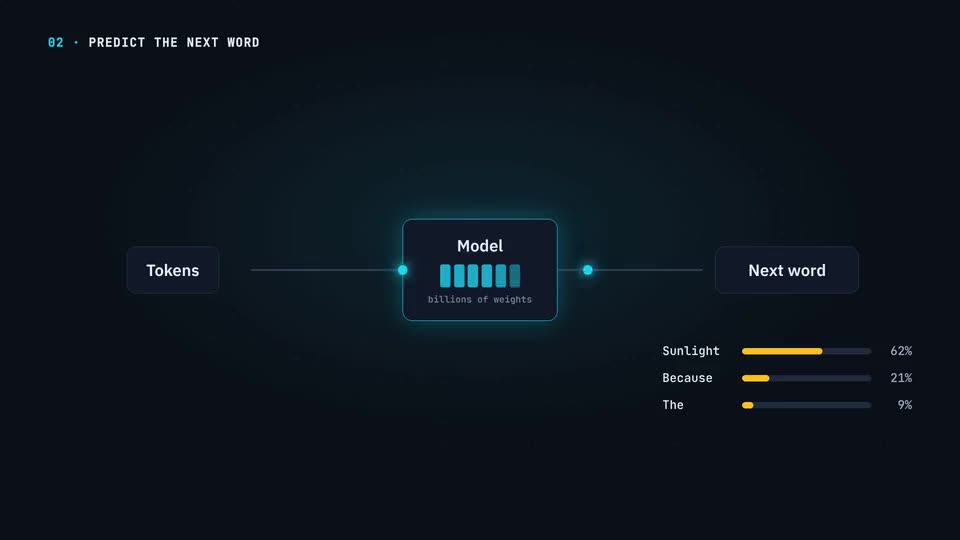
Each style has its own page: whiteboard animation, 3D anatomy animation and motion graphics.
Narration that teaches, not narration that describes
The most common mistake in a lesson video is a voice that describes the screen: “Here we see a leaf. Here is the sun.” Students can see that. A teaching voice tells them what it means: “The leaf is a factory, and sunlight is its power supply.”
Talk to one student, not to a hall. Richard E. Mayer calls it the personalization principle: people learn better from a conversational “you” than from formal prose. And name the mistake students usually make before they make it.
Then fill in the “Who is watching?” box, for example “14-year-olds meeting photosynthesis for the first time”. The director adapts how simply it explains, which examples it picks and how much it puts on screen at once. The longer guide: how to write narration that teaches.
How long should a video lesson be?
Shorter than you think. In a 2014 study of how students watched lecture videos on edX, Philip Guo and colleagues found that engagement dropped sharply after about six minutes, however long the video was. Two to four minutes per concept keeps you well inside that.
- One concept per video. “Photosynthesis” is a unit; “where a plant’s mass comes from” is a video.
- Open on a question the class can’t answer yet.
- End on what to do next: the worksheet question, the experiment, the discussion in class.
- Make a series, not a film. Five short videos are easier to find, rewatch and update than one long one.
One concept, one video, two to four minutes.
What it costs a teacher
Start free: 300 credits on sign-up, no card, enough for a short video. Make one real lesson before you decide anything.
After that you pay for the video you make. Starter is $19 a month ($190 a year) for about 3.3 to 4.7 minutes of video: one or two short lessons a month. Creator is $49 a month ($490 a year) for about 11 to 15 minutes: roughly a three-minute video a week. Studio is $149 a month ($1,490 a year) for about 41 to 58 minutes. The minutes depend on the style; Doodle, whose drawings are pictures, sits at the low end.
Credits roll over and never expire, so a quiet month before the holidays isn’t money lost, and the price of every video is shown before you start. Your own pictures and logo in the video come with Creator and Studio.